Planning a Business Website: What to Prepare Before You Start
A website project gets easier when the important questions are answered before the first design. You do not need a perfect brief or technical vocabulary. You need a shared understanding of what the website should do, who it should help, and what is ready to build.
Start with a business goal, a realistic page list, and clear content responsibilities. These decisions give the design something useful to solve.
1. Choose one primary goal
“We need a modern website” describes an appearance, not an outcome. A more useful starting point is: “We want visitors to understand our service and send a qualified enquiry.” Other goals might include booking an appointment, purchasing a product, or requesting a quote.
Choose the action that matters most. Then ask what a visitor needs to know before taking it: who the service is for, what is included, how the process works, and what happens after they contact you.
For example, a renovation company might prioritize quote requests. Its website needs to explain the types of projects it accepts and the areas it serves before asking visitors to complete a form. This is an illustrative planning example, not a WiltyWeb client case.
2. Describe the person you want to reach
A useful audience description goes beyond “small businesses” or “everyone locally.” Write down the situation your ideal visitor is in. What prompted them to search? What are they uncertain about? What would make them trust your business?
- What problem are they trying to solve?
- Which services or products are relevant to them?
- What objections might stop them from contacting you?
- What information would make their decision easier?
Use real customer questions if you have them. They are often a better starting point for page content than a list of adjectives describing your brand.
3. Plan pages around decisions
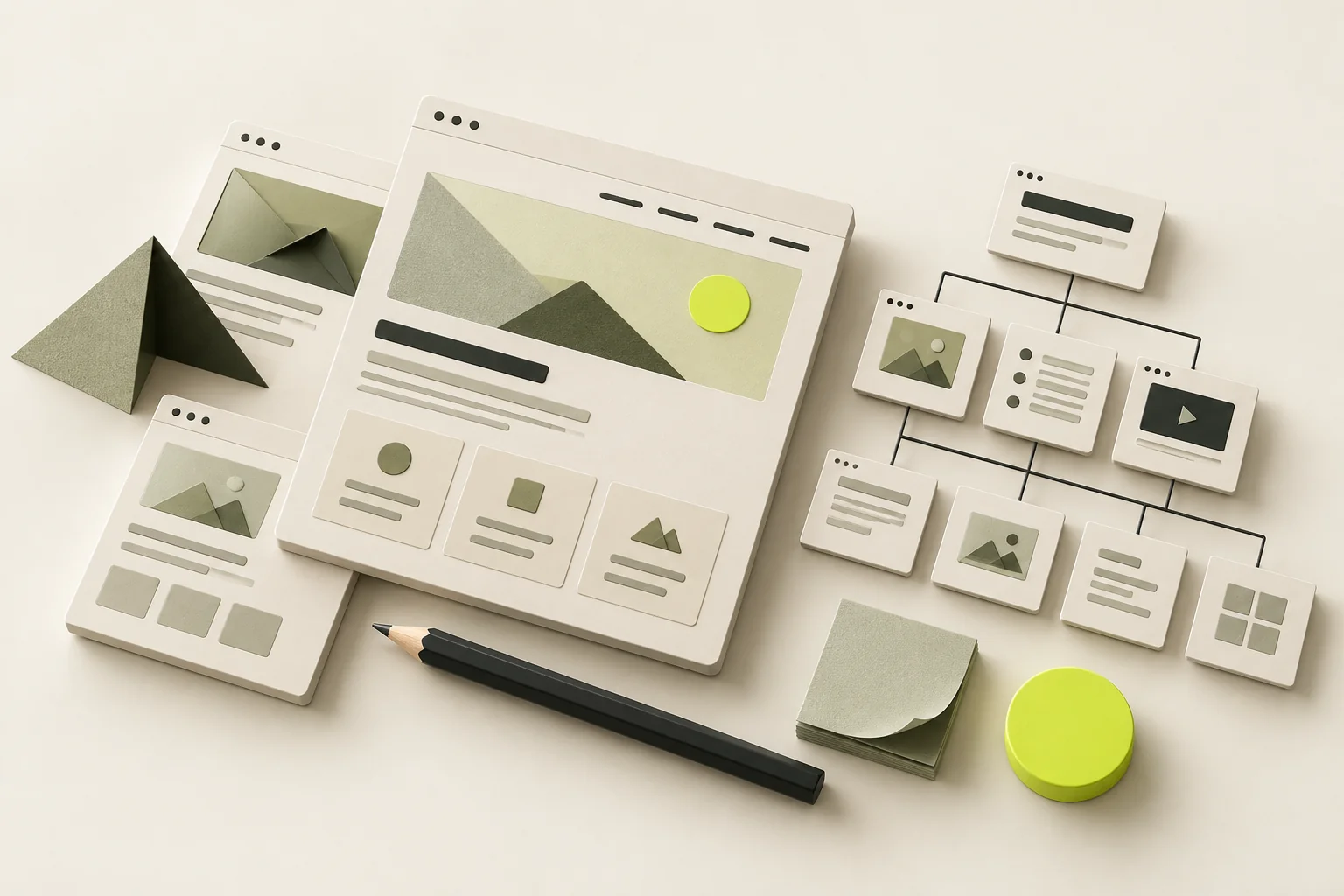
Make a short sitemap before discussing layouts. A straightforward service business might need a homepage, separate service pages, an about page, project examples, and a contact page. A blog can follow when there is a clear plan to maintain it.
Give each proposed page a job. The homepage introduces the business and directs visitors. A service page explains one offer in enough detail to support a decision. A contact page makes the next step clear.
Avoid adding pages simply because another company has them. A smaller site with specific, useful content is a better brief than a large site full of unfinished sections.
4. Gather content and agree who provides it
Prepare your logo files, brand colors, business description, service details, contact information, and images you have permission to use. For an existing website, identify content worth keeping and content that is outdated.
Agree who writes the copy, selects images, and approves the final wording. If the studio is writing, provide factual inputs: what you offer, what you do differently, what is included, and what you can demonstrate.
Use real project details and approved customer feedback. If a design mockup needs placeholder material, label it clearly and make replacement part of the launch checklist.
5. Separate essential features from later ideas
List the interactions the website must support. An enquiry form, booking integration, online payments, multilingual pages, and member accounts have very different requirements.
For each feature, describe what a visitor does and what your team needs afterward. A form is more than a set of fields: someone must receive the submission, respond to it, and know what to do if delivery fails.
Mark features as “needed for launch” or “possible later.” This makes the scope easier to price and reduces the chance that a small website quietly becomes a much larger project.
6. Write a brief your whole team can use
Your brief can be a short document. Include the primary goal, audience, page list, required features, content responsibilities, budget range, and preferred timing. Add a few reference websites with a sentence explaining what you like about each.
Name one person to consolidate feedback. Agree review points and identify any deadline that depends on another event, such as a product launch. Also decide who owns the domain, hosting, and ongoing updates.
Before work starts, everyone should be able to answer three questions: What are we building? What does “ready to launch” mean? Who is responsible for each remaining decision?
Make the next step clearer.
A clear plan does not remove every decision. It gives those decisions a direction. If you are starting from a rough idea, we can help turn it into a practical structure and a considered WordPress website.
Explore web design & development ↗A clear next step
starts here.
Tell us about your business, your current website, and what you’d like to achieve. We’ll discuss a scope that fits.